
How it works
AI Chat offers three distinct models, allowing you to choose the level of computational power and analysis depth required for your query, from instant summaries to comprehensive, multi-step research reports.
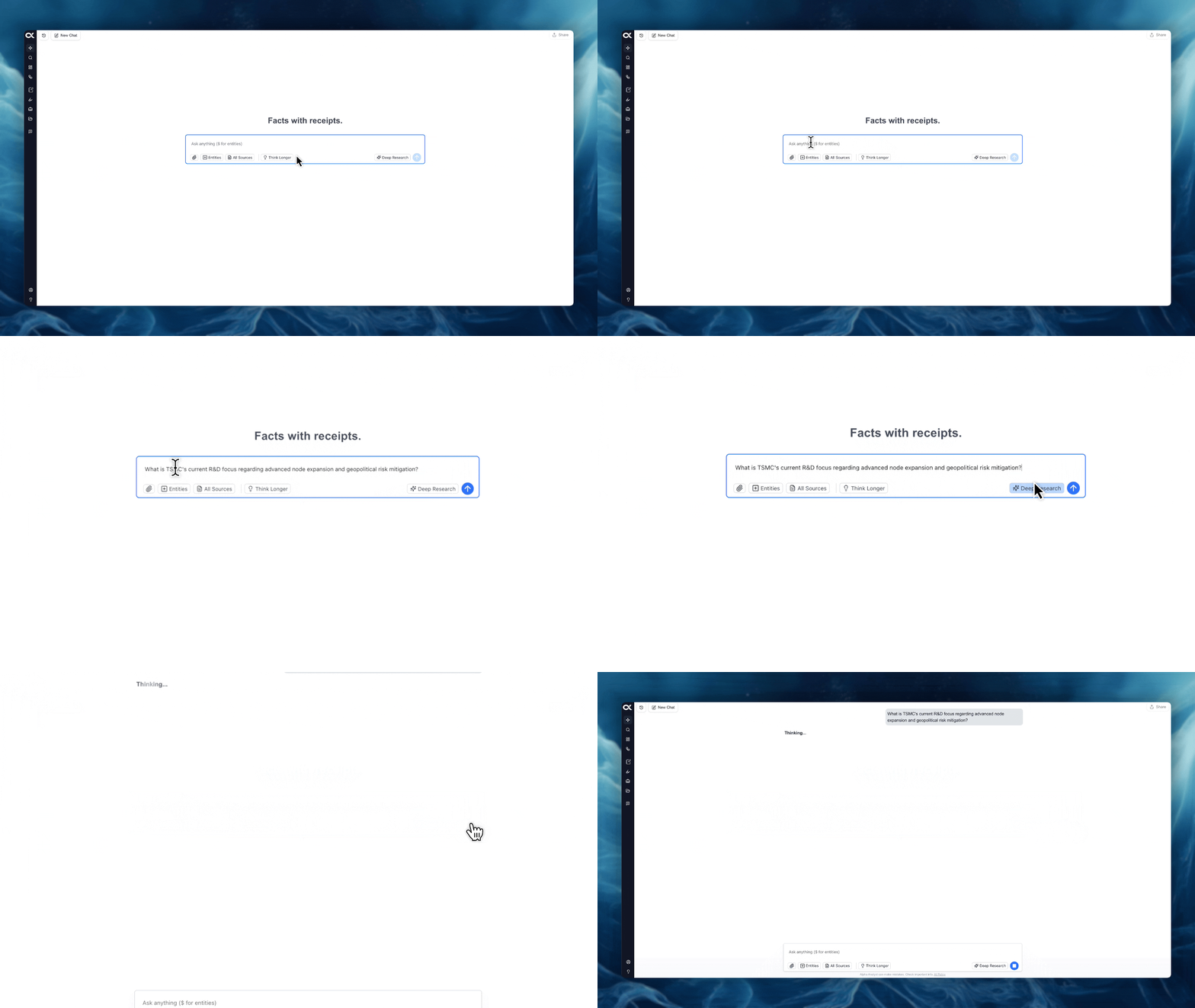
Normal Chat (Default Model)
This is the fastest model, designed for quick, conversational research and fact-finding.
-
Speed: Seconds to 1 minute.
-
Best For: Simple definitions, quick comparisons, fact-checking, and rapid synthesis of information from a few sources.
-
Access: This is the default setting when you open a new chat session.
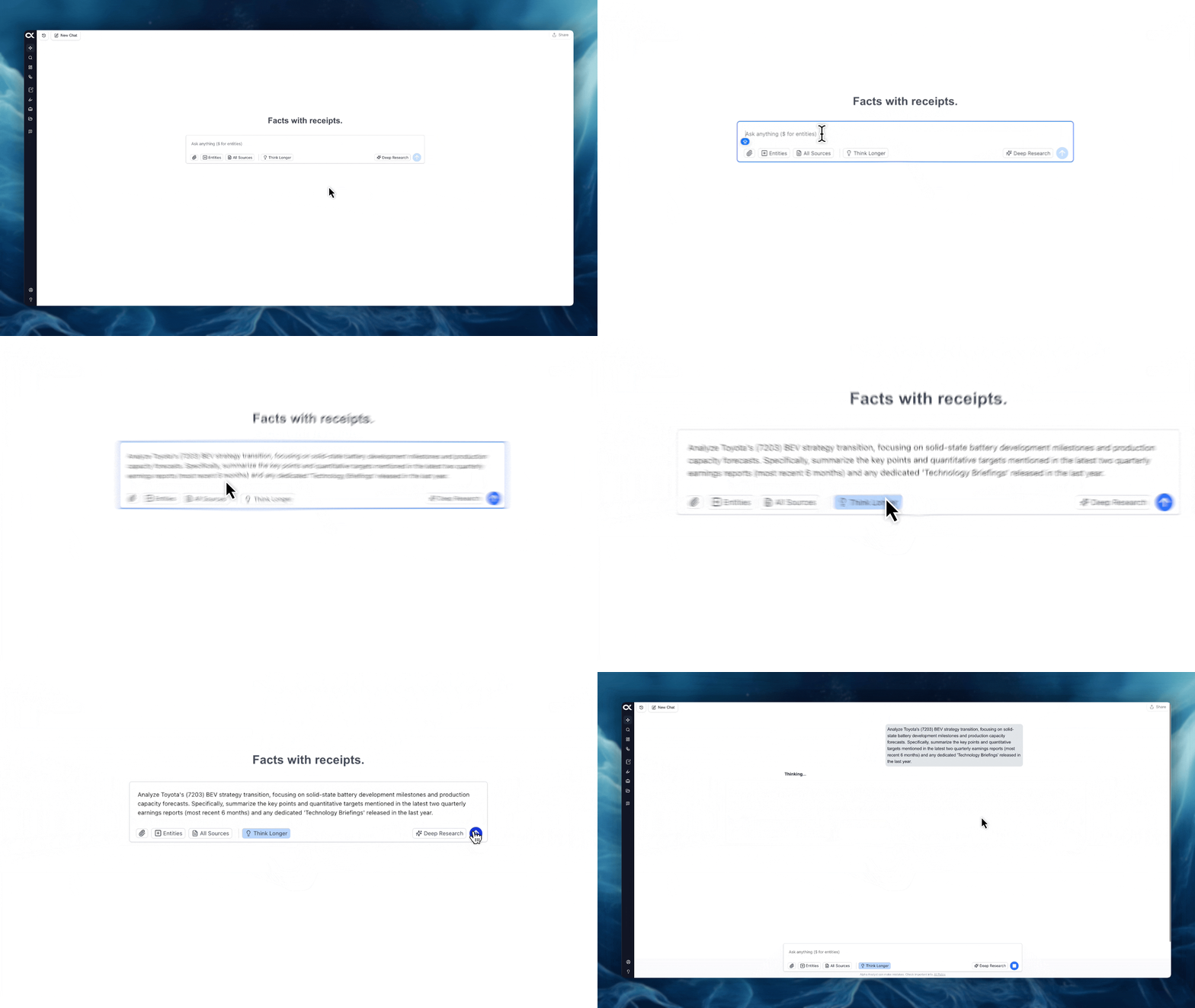
Think Longer Mode
By toggling this option, you engage a more advanced model that performs deeper analysis for more complex queries.
-
Speed: 1 to 5 minutes.
-
Best For: Moderately complex questions requiring a more detailed response, broader synthesis across multiple documents, and more nuanced insights.
-
Access: Click the "Think Longer" button or toggle switch, typically found near the chat input area, before submitting your query.
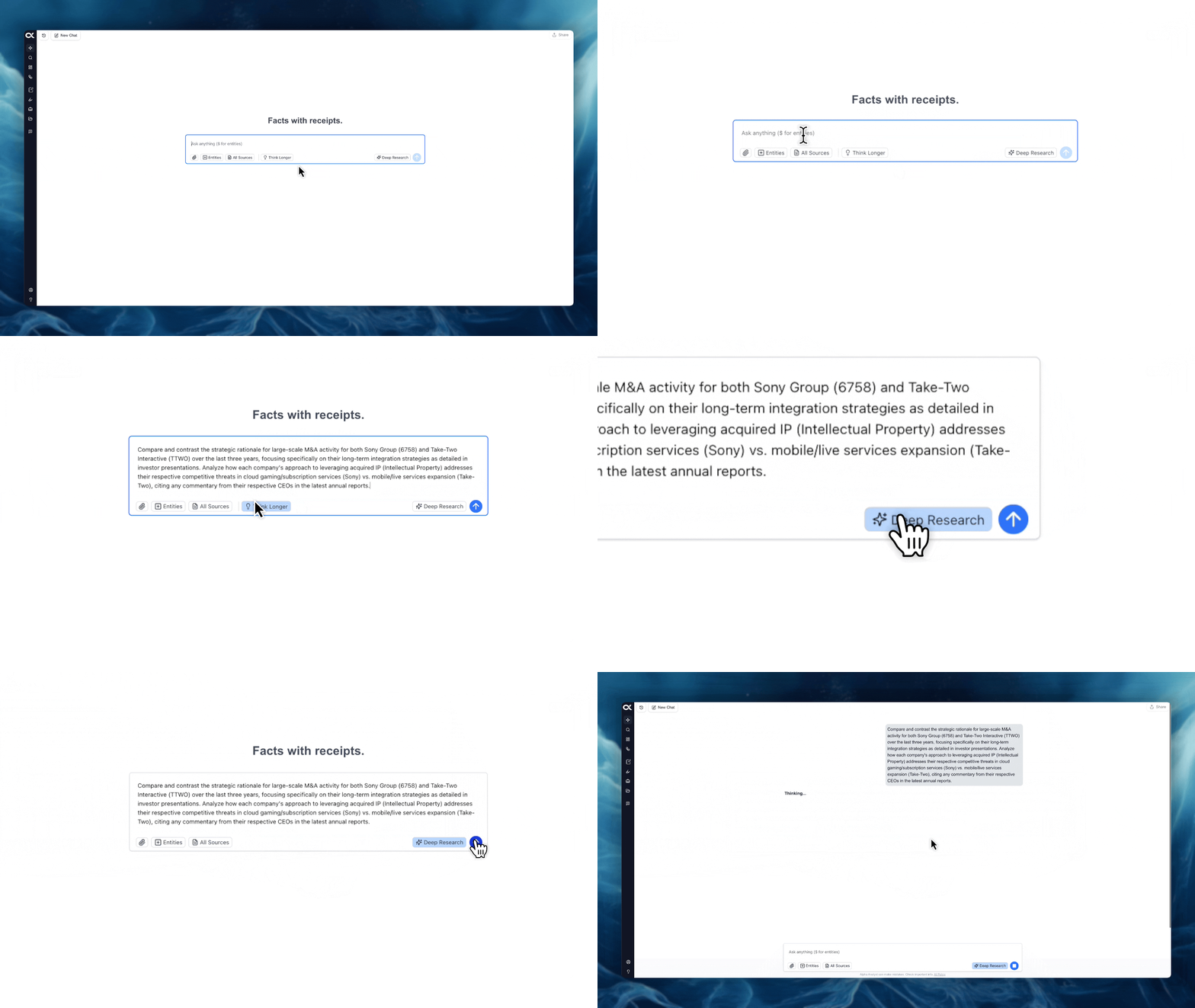
Deep Research Mode
This is the most advanced analytical mode, designed to conduct extensive, iterative research and produce a highly detailed, comprehensive report.
-
Speed: 10 to 15 minutes.
-
Best For: Thorough industry primers, competitive landscape assessments, detailed acquisition ideas, and requests for outputs that include extensive summaries and generated graphics.
-
Access: Click the "Deep Research" button, often located prominently on the right side of the chat interface, to switch to this mode before entering your prompt. This mode utilizes the largest computational resources for the most in-depth response.