

How it works
If you submit a query and realize you need to adjust your filters, change the model, or are simply no longer interested in the answer, you can instantly halt the AI's analysis.
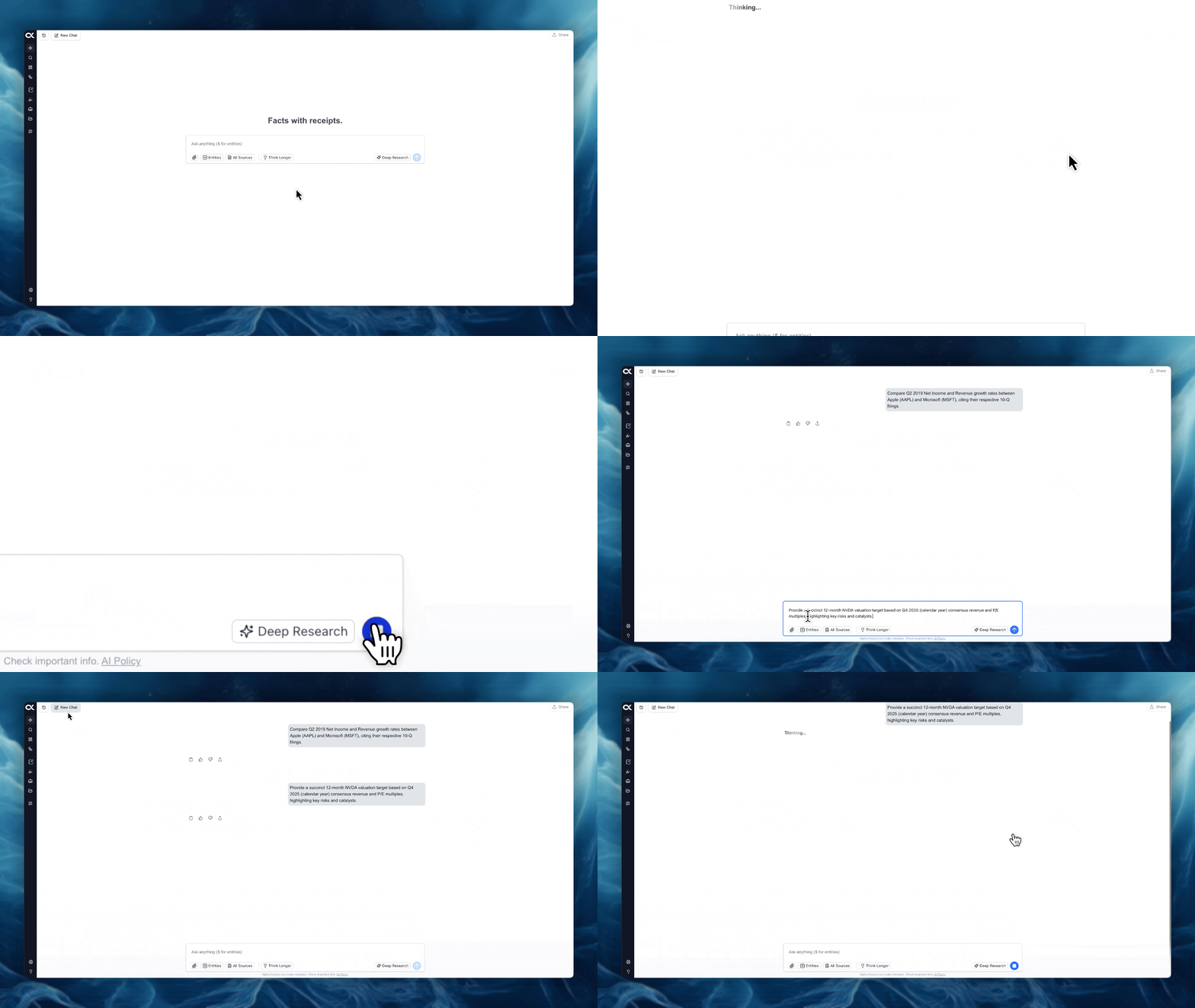
-
Function: Immediately stops the AI model from processing the current request and generating a response.
-
Location: Once a query has been submitted, the Stop button (a square symbol inside a circle) appears on the right side of the chat interface, replacing the typical submission button. This button is colored blue while the AI is actively generating.
-
Action: Click the blue Stop button to cancel the current query.
-
Next Steps: After canceling, the chat input bar becomes active again, allowing you to enter a new query immediately, or you can click "New Chat" to begin a fresh conversation.